Manual vs. Automated Bookkeeping: What's Actually Worth Automating?
Automate your bookkeeping" gets thrown around like it's one decision. It isn't. Bookkeeping is a bundle of very different tasks — some mechanical and repetitive, some genuinely judgment-based — and treating all of them the same way is how practices end up either over-automating (blindly trusting categorization that needed a human) or under-automating (still hand-typing the one thing that never needed a person in the first place).
Here's a task-by-task breakdown of what's actually worth handing off, and what isn't.
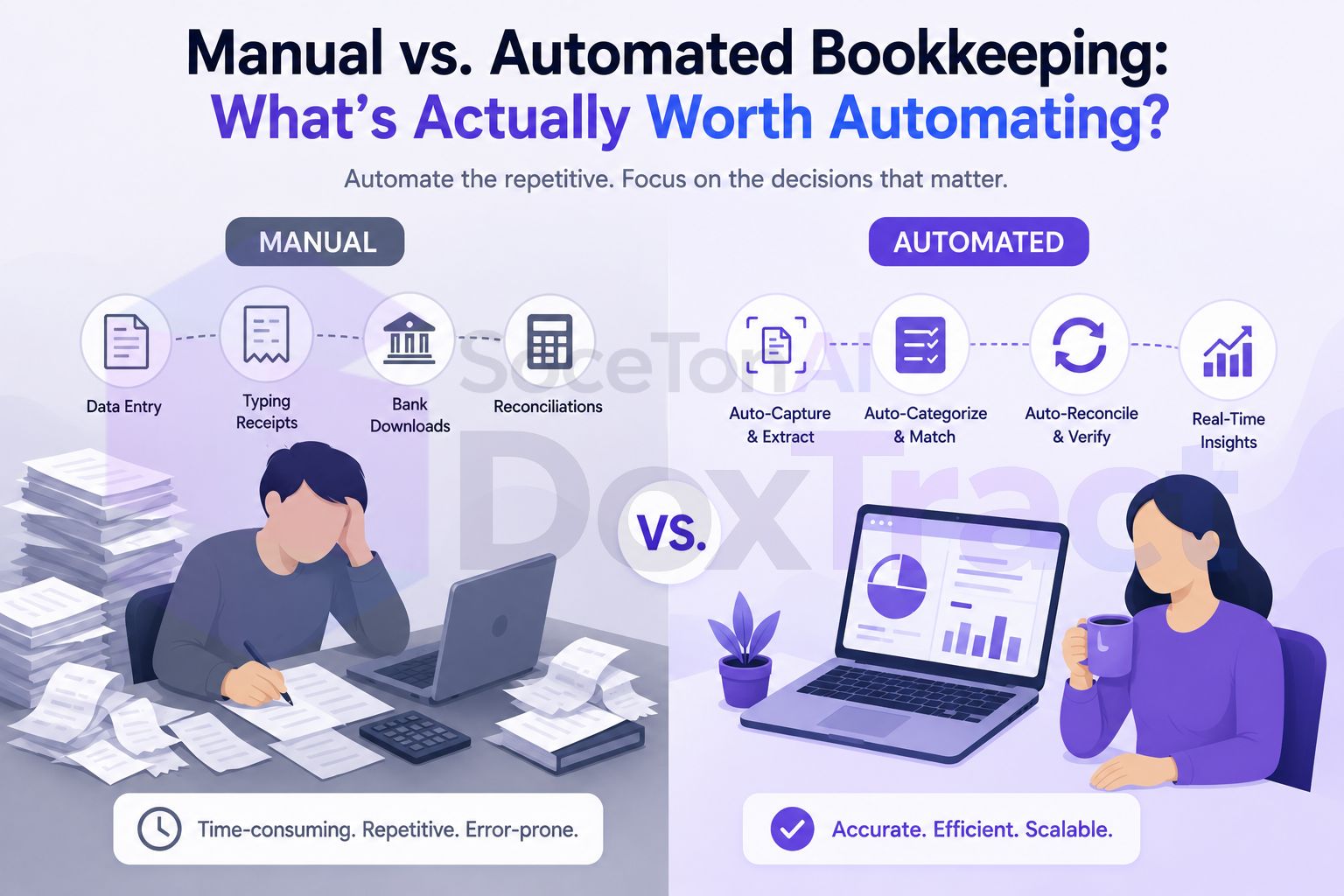
The Test That Actually Matters
Before going category by category, one question sorts most of this out: does this task require judgment about a specific situation, or is it the same mechanical action repeated on different inputs?
Reading a receipt and typing what it says: same action, different input, every time. Worth automating.
Deciding whether an unusual $4,200 charge is a legitimate business expense or something to flag to the client: judgment, specific to that transaction. Not worth automating past a suggestion.
Most bookkeeping tasks fall clearly on one side of that line. The ones that don't are worth a closer look before deciding either way.
Clearly Worth Automating
Receipt and invoice data entry. This is the single highest-value, lowest-risk automation available to a bookkeeper. Reading a receipt and typing the vendor, date, and total into a ledger has no judgment component — it's transcription. A template-based extraction tool does this identically every time, without the fatigue-driven typos that creep in after the two-hundredth receipt of the month.
Bank feed imports. Pulling transactions from a connected bank or card account instead of manually entering them from a statement is table-stakes automation at this point — nearly every accounting platform does this natively, and there's no real argument for typing bank transactions by hand anymore.
Recurring, identical entries. A monthly subscription charge, a fixed rent payment, a recurring invoice to the same client at the same amount — these need zero judgment after the first time, and most accounting software can auto-post them on a schedule.
Report generation. Pulling a P&L or balance sheet is a mechanical query against data that's already correct — automating this doesn't introduce risk, because the judgment already happened when the underlying transactions were categorized.
Worth Automating, With a Human Check
Expense categorization. Machine-suggested categorization (based on vendor history or past patterns) is a legitimate time-saver, but it's a suggestion, not a decision. A vendor that's "usually" office supplies might be equipment this one time. The efficient version of this isn't "trust the auto-category blindly" — it's "auto-suggest, then a fast human confirm," which is still far faster than categorizing from scratch.
Invoice-to-bank reconciliation matching. Matching a vendor invoice to the bank transaction that paid it is mostly mechanical — amount, vendor, date within a window — and can be automated as a first pass. But the unmatched remainder (partial payments, combined invoices, genuine discrepancies) needs a person, which is exactly why "automate the match, review the exceptions" beats trying to force 100% auto-matching.
Client communication for missing documents. A scheduled reminder ("we're missing March's receipts") automates well. The actual conversation about why a client's spending pattern changed, or whether an expense is deductible, doesn't.
Rarely Worth Fully Automating
Unusual or judgment-heavy transactions. A large one-off purchase, a transaction that doesn't fit a client's normal pattern, anything that might affect a tax position — these deserve a human look every time, not a rule that silently categorizes them the same way as routine spend.
Final review before filing or reporting. Automation should compress the time to get data ready for review, not replace the review itself. Whatever pipeline gets a client's numbers 95% of the way there, someone should still look at the final output before it goes to the client or the IRS.
Advisory conversations. Cash flow guidance, tax planning, "should you incorporate," "can you afford to hire" — this is the part of bookkeeping that's actually hard to commoditize, and it's also usually the highest-margin part of the work. Automating the mechanical tasks around it is what frees up time for this, not a target for automation itself.
Client-specific exceptions. Every practice has that one client with a genuinely unusual chart of accounts or an industry quirk that doesn't fit a standard template. Forcing automation onto that exception often costs more time (building and debugging a one-off rule) than it saves.
Why Getting This Wrong Costs You Either Way
Over-automating shows up as errors you don't catch until a client questions them — trusting a categorization rule on a transaction that needed a second look, or letting a reconciliation match through that was actually wrong. Under-automating shows up as burnout — hand-typing hundreds of receipts a month that a template could have handled identically, every time, without getting tired by receipt #300.
The practices that scale well aren't the ones that automate the most — they're the ones that automate the right layer and leave judgment where it belongs.
Where This Points in Practice
If receipt and invoice data entry is still manual in your workflow, it's the highest-leverage place to start — it's squarely in the "clearly worth automating" bucket with essentially no judgment cost. A template built once in the Template Editor — no signup required to try it — reads every future document of that format the same way a human would, minus the fatigue and the per-document time cost. Run it from the dashboard if you want a no-code batch workflow, or through the API if documents need to flow in continuously.
What it doesn't replace is the review step, the categorization judgment calls, or the advisory conversations — and it shouldn't try to. The goal isn't a bookkeeping practice with no human decisions in it; it's one where the mechanical work stops competing for the same hours as the judgment work.
A Quick Gut Check
For any bookkeeping task you're deciding whether to automate, ask:
Is this the same action on different inputs, or a different decision each time?
If it's automated and wrong, would anyone notice before it mattered?
Does doing it manually teach you something about the client you'd otherwise miss?
A "yes" to the first and "no" to the third usually means it's safe to automate. A "no" to the first, or a "yes" to the third, usually means it should stay a human task — automated data feeding into it is fine, but the decision itself isn't.